Lesson 2: How to look at what is in the archive
In this lesson we will use Globus to inspect what files are stored in a tape archive that you have permissions to access.
The archive storage is not designed for large numbers of small files
During a file recall, the tape containing the file is located and then loaded into one of the 8 tape drives with a robotic tape loader. Then the correct place is found on the tape before the file can be read. For this reason, a single 500GB file will be recalled much quicker than one hundred 5GB files, which may reside on up to 100 different tapes.
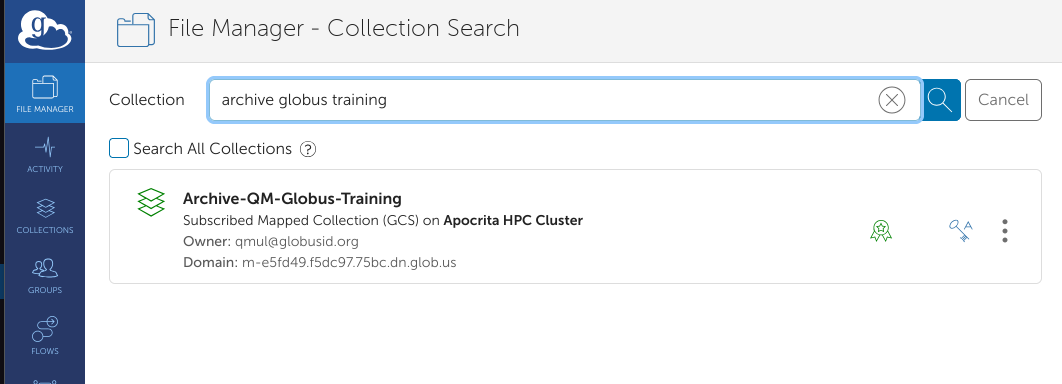
For the purpose of this exercise we are going to look in an archive named Archive-QM-Globus-Training. The archive belonging to a research group will always be prefixed Archive- and be followed by the name of the department and research group e.g. Archive-SBBS-SmithLab
Open app.globus.org and login.
In the file manager we are going to search for a named Archive collection, Archive-QM-Globus-Training
This is not a public archive collection
For security reasons, the archive collection used in these examples is not generally accessible, although we may add groups of users for specific demonstrations and training sessions as necessary.
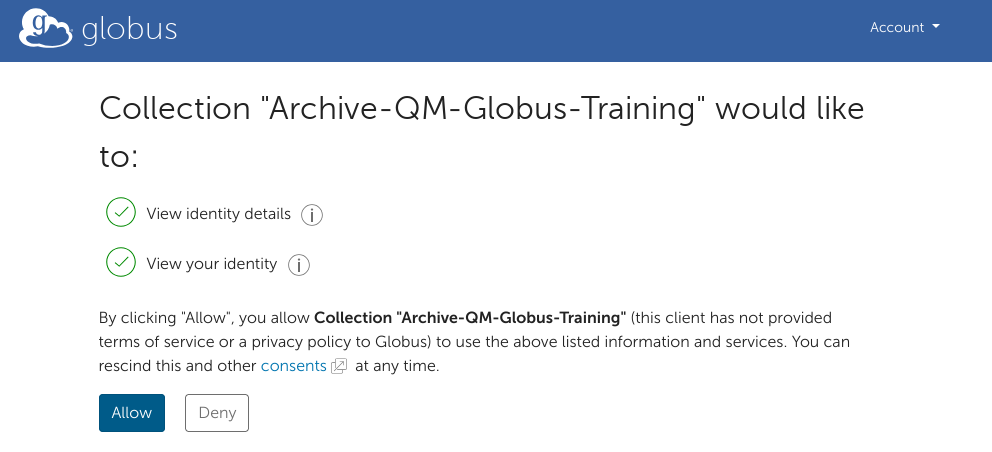
In the process of selecting the collection, a consent screen may appear. This happens for the first time that certain operations are done, and do not re-appear for that specific operation/
We have selected the collection and will click Allow on the consent page if it appears.
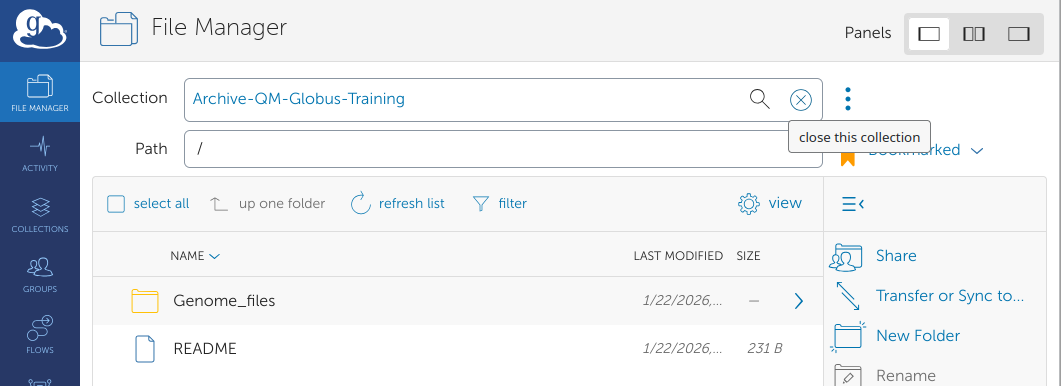
Now we can browse the collection and see what is in the Archive. Until the files are opened/copied, they reside only on tape. Once a transfer request is submitted via Globus, a recall request from tape is started.
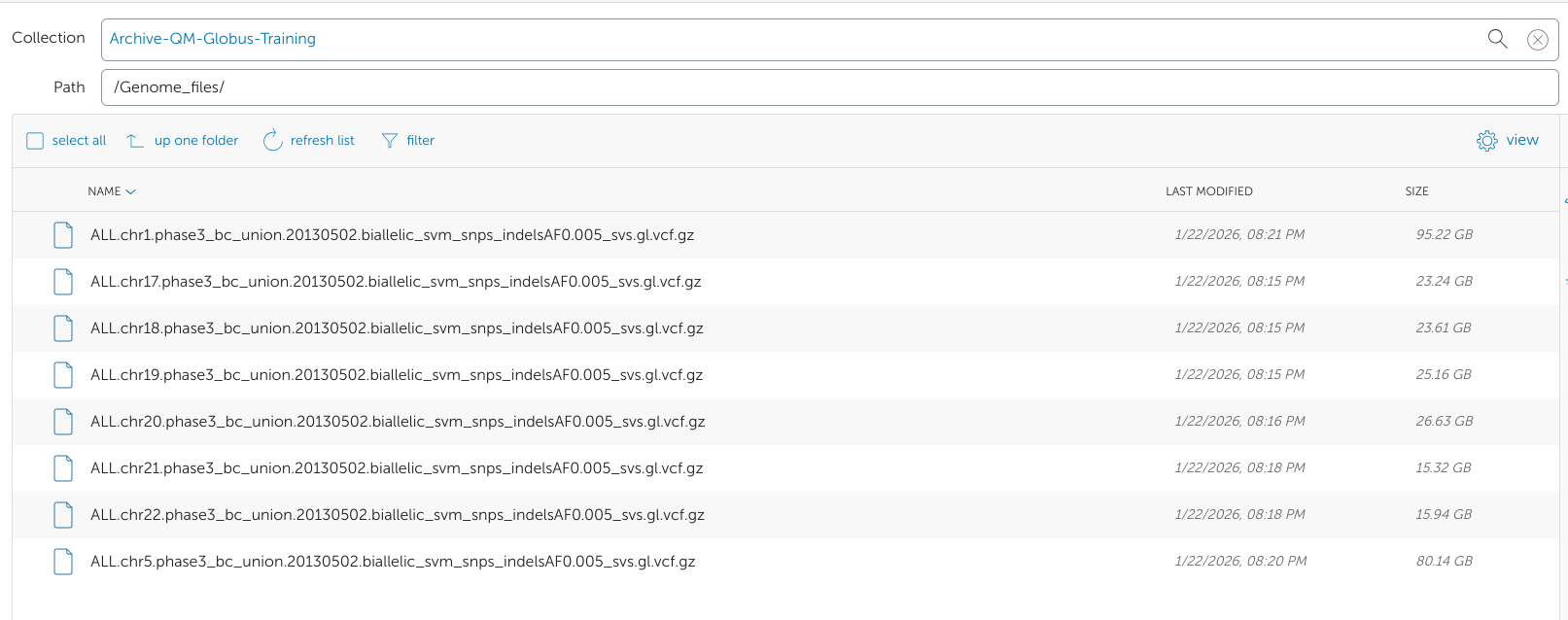
Viewing inside the Genome_files folder.