Lesson 2: Logging in
Visit https://app.globus.org to begin.
Enter the organisation name, QMUL users should enter the name as shown below.
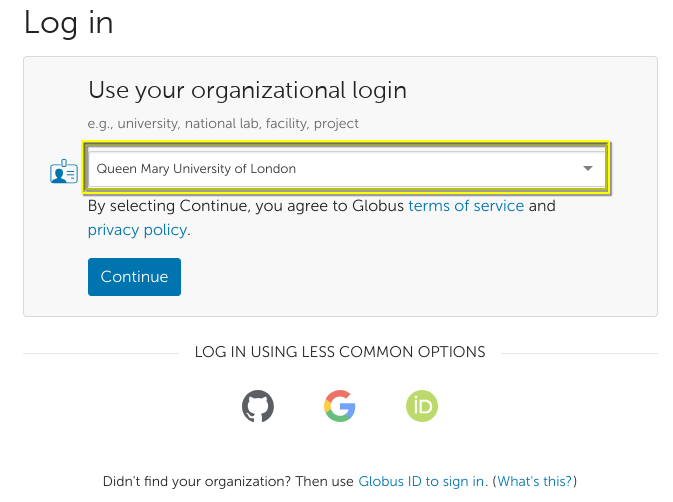
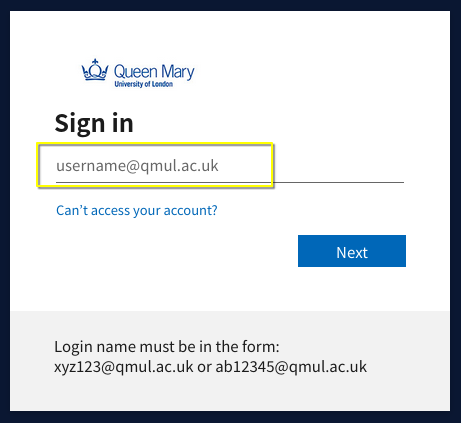
Clicking continue will redirect you to the QMUL login page. Use your university login credentials.
Recommended step for Queen Mary researchers
At this point, if you are a Queen Mary researcher it is worth requesting access to the Queen Mary globus group to gain access to premium features (such as sharing data from Globus Connect Personal guest collections).
To do so, access this link and click Join this Subscription.
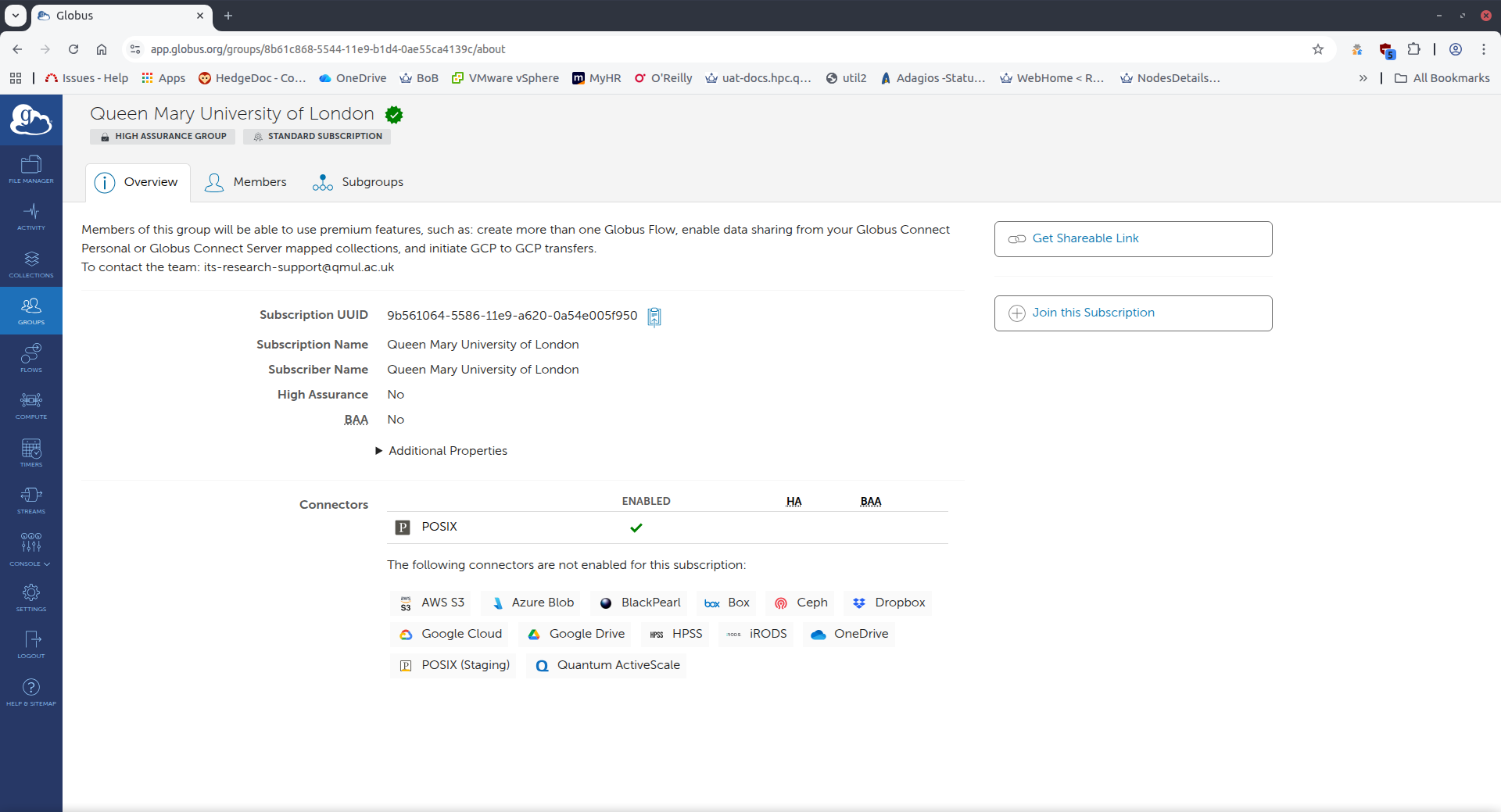
The request will go into pending state. The remaining lessons do not depend on the premium features so you may continue while the request is waiting approval.
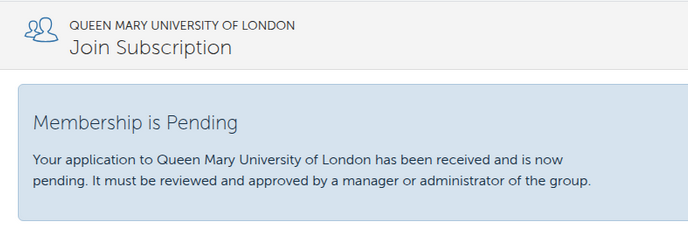
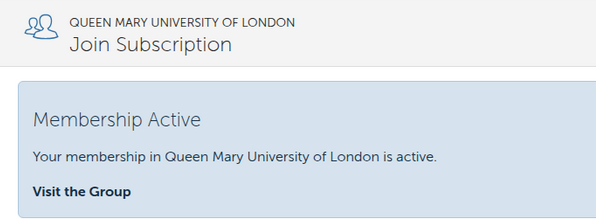
Once the team approve the request you will see this.