Lesson 1: How Globus works
Globus is an application to facilitate movement of data between servers running the Globus software.
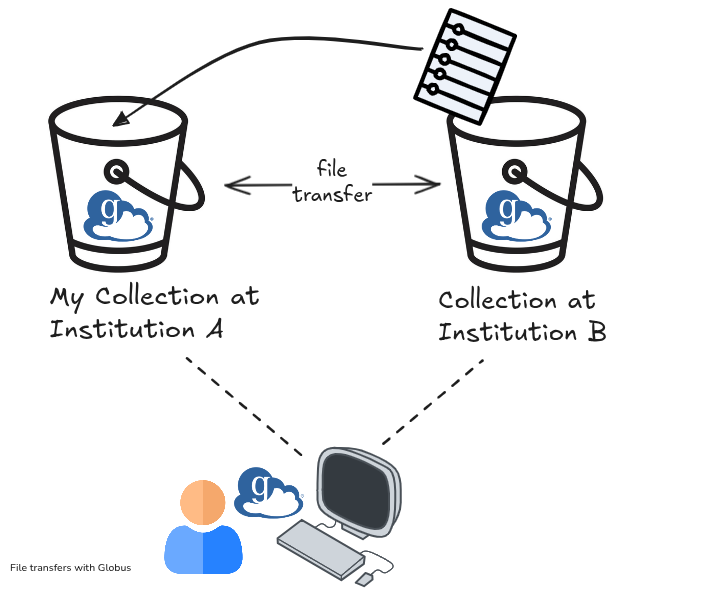
A collection is a named location containing data that can be accessed with Globus. Think of it as a shared folder, or a file bucket. The underlying storage device hosting the collection could be anything from an HPC cluster, or even a laptop.
The Globus interface enables users to move files directly between the collections without needing to download it to their device first. However if the user does want to download to their device, they can also do this.
Individual files can be downloaded ad-hoc via the browser. Bulk transfers are performed using the Globus connect personal application installed on the user's machine.
Through a series of worked examples, we will demonstrate various methods of file transfer, using the public Globus Tutorial Collections as examples. The Tutorial Collections are administered by the Globus team for demonstration purposes and are accessible to all Globus users without further authentication.